The Role of Email in Your Digital Footprint
Email is one of the most persistent identity signals online: services, advertisers, and attackers use it to connect pieces of your life across sites and systems. This guide walks you through what that connection looks like and, more importantly, how to reduce your exposure. You’ll get clear definitions, the difference between active and passive email traces, and step‑by‑step practices to cut linkability while improving security and privacy compliance. We cover practical actions—password hygiene, multi‑factor authentication, and encryption (PGP, S/MIME)—along with operational tools like aliases, disposable addresses, and data‑deletion workflows. We also summarize relevant laws (GDPR, CCPA), outline common tracking and phishing techniques, and point to tools that protect both metadata and message content. Use the checklists, comparison tables, and concise how‑tos here to shrink your email footprint and strengthen account defenses right away.
What Is a Digital Footprint and How Does Email Contribute to It?
Your digital footprint is the sum of all data traces you leave online. Email contributes in two main ways: explicit identity signals (the address itself, account registrations, messages) and implicit metadata (headers, timestamps, routing, tracking pixels). Message bodies create content footprints; headers and embedded trackers create passive traces that can persist even after you delete an email. Distinguishing content from metadata helps you prioritize: encrypt message content and minimize metadata exposure through aliases, selective sharing, and careful client settings. Understanding this split is the first step to managing the broader privacy work we cover below.
What Are Active and Passive Components of an Email Digital Footprint?
Active components are the data you knowingly provide or create: account signups, sent messages, subscription records, and contact lists that tie your email to services and identities. These leave long‑lasting links—your address attached to forum posts, receipts, and social logins—that third parties can use to build profiles. Passive components are indirect: email headers, routing data, tracking pixels, and analytics links that capture opens, device details, and other signals without explicit action from you. If you only protect message bodies, these passive signals still reveal a lot—so effective privacy needs both content protection and metadata minimization.
How Does Email Shape Your Online Identity and Data Trail?
An email address often acts like a primary key across accounts: logins, subscriptions, payment records, and social profiles can all be cross‑referenced by that single identifier. When data is shared, sold, or leaked, that trail makes it easy to reconstruct a broad profile of your activity. A compromised address can therefore expose multiple services. Practical steps: use aliases or disposable addresses for low‑trust interactions, and reserve a core address for critical accounts. Segmenting this way reduces linkability and is a foundational tactic for shrinking your footprint.
Why Is Email Privacy Protection Critical in Managing Your Digital Footprint?
Protecting email privacy lowers the chance of account takeover, identity theft, and unwanted profiling—and it reduces the personal data available to advertisers and data brokers. Because email is widely used for account recovery and verification, exposed credentials become especially valuable to attackers. Email privacy therefore serves both as a defensive security measure and as a privacy control that limits data aggregation. The sections that follow explain typical collection mechanisms and phishing risks so you can see how these threats operate and why layered protections matter.
What Are the Risks of Email Data Collection and Tracking?
Email systems can expose message content, header metadata, device fingerprints, and engagement metrics via pixels and tracked links—providing marketers and malicious actors with rich signals. Trackers can disclose IP addresses, client software, and open timestamps, enabling geolocation and behavior profiling even when you don’t click anything. Marketing platforms and analytics vendors use these signals to build persistent profiles, and attackers exploit leaked metadata to craft convincing social‑engineering campaigns. Reducing these risks requires technical controls—blocking pixels, disabling remote images—and behavior changes like using aliases and limiting signups, which we cover in the recommendations section.
- Common email tracking mechanisms at a glance
- Tracking pixels: Tiny remote images that report when and where an email is opened and with what device.
- Link trackers: Redirects that log clicks and tie activity back to an address.
- Header harvesting: Collection of routing and client metadata from email headers.
These are the primary passive signals that leak identity and behavior. Blocking remote content and choosing privacy‑focused clients meaningfully reduce this leakage. Next, we’ll show how attackers turn those signals into phishing and identity‑theft campaigns.
How Do Phishing and Identity Theft Threaten Your Email Privacy?
Phishing uses context and metadata to make malicious messages look authentic, tricking recipients into revealing credentials or installing malware. Once an email account is compromised, attackers can use it to reset passwords, impersonate you, and escalate access across linked services. Attackers often combine leaked metadata with public information to craft highly personalized lures. If you suspect a compromise, act quickly: change passwords, enable MFA, review recovery options, and notify connected services. These steps limit the damage window and help prevent lateral attacks.
What Are the Best Email Security Practices to Protect Your Digital Footprint?
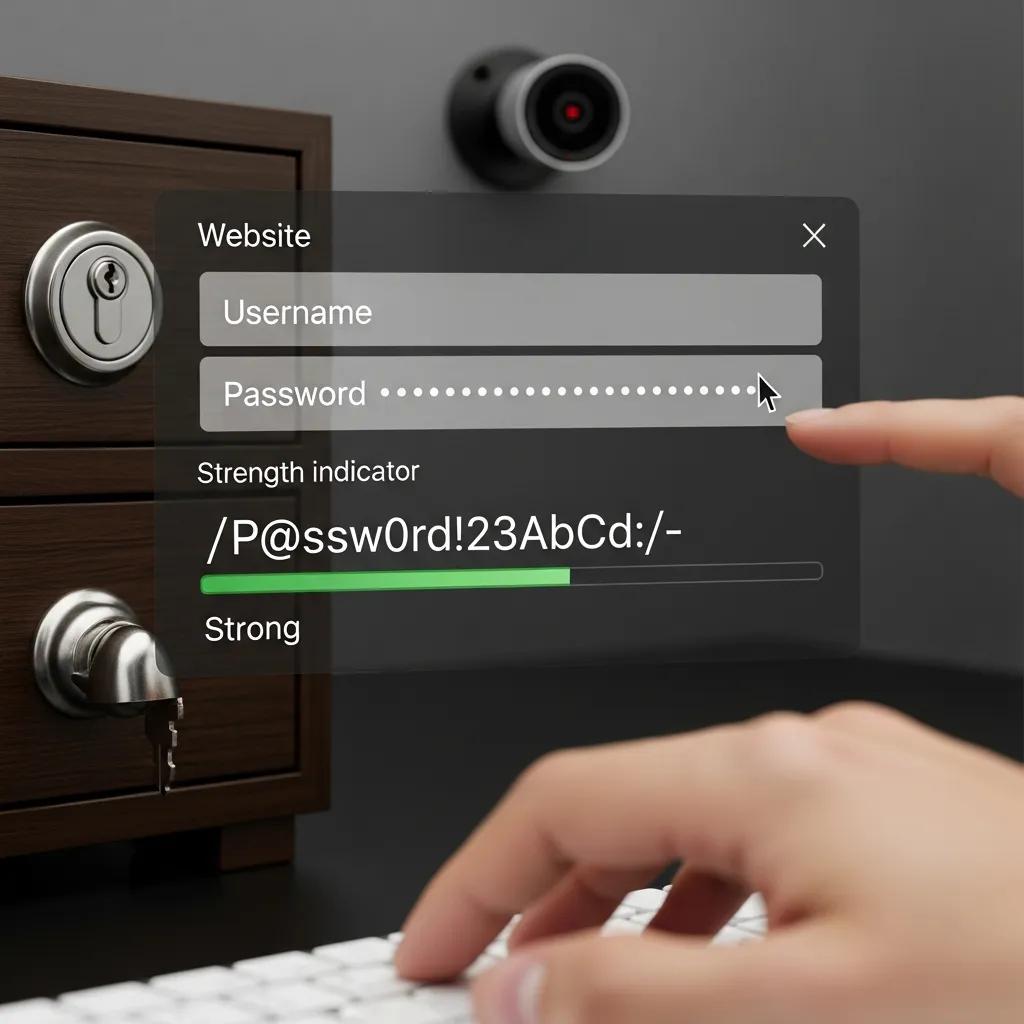
Good email security combines strong authentication, encryption, and routine hygiene to reduce both content exposure and metadata leakage while making account takeover harder. Use long, unique passwords stored in a password manager to eliminate reuse; add multi‑factor authentication (MFA) as a second layer. Encrypt sensitive messages with end‑to‑end techniques so the message body remains private even if servers are breached. Keep software up to date to close client vulnerabilities. The subsections below compare password/MFA options and encryption methods so you can pick the right mix for your needs.
How Can Strong Passwords and Multi-Factor Authentication Enhance Email Security?
Strong passwords mean long, unique passphrases kept in a password manager—this removes the temptation to reuse credentials and makes rotation simple. MFA ties account access to a second factor—an authenticator app, SMS (least preferred), or a hardware security key—with hardware tokens giving the best protection against phishing. Setup tips: use a separate recovery email or phone, securely store backup codes, and prefer authenticator apps or hardware keys for critical accounts. These measures significantly shrink your attack surface; the following section shows how encryption protects message contents in parallel.
- Recommended MFA options and trade‑offs
- Hardware security keys: Best protection against phishing; require physical possession.
- Authenticator apps (TOTP): Strong, offline‑capable, and fairly easy to set up.
- SMS codes: Better than no MFA but vulnerable to SIM swap and interception.
Combining a password manager with an authenticator app or hardware key usually offers the best balance of security and usability. Next, we’ll look at encryption options and practical considerations for adopting them.
What Email Encryption Methods Secure Your Communications?
TLS protects email while it moves between servers but doesn’t stop providers from accessing stored messages. End‑to‑end encryption (E2E) ensures only sender and recipient can read a message’s content; common standards include PGP and S/MIME. PGP is decentralized and cryptographically strong but can be tricky for nontechnical users; S/MIME fits better in managed, certificate‑based environments. Some providers offer native E2E solutions that simplify UX but require trust in the provider’s implementation and metadata handling. Choose based on your threat model, recipient compatibility, and how much setup you’re willing to accept.
| Provider Feature | Characteristic | Typical Impact |
|---|---|---|
| Transport TLS | Encrypts server‑to‑server transit | Reduces interception risk in transit but doesn’t prevent provider access to stored mail |
| PGP (E2E) | Public‑key, decentralized | High confidentiality; more setup complexity and interoperability friction |
| S/MIME (E2E) | Certificate‑based, enterprise‑oriented | Strong confidentiality within managed ecosystems; easier enterprise integration |
This comparison clarifies the trade‑offs between transport encryption and E2E models so you can choose what fits your risk tolerance and technical comfort. Next, we move from defense mechanics to concrete ways to reduce your footprint.
How Can You Effectively Manage and Reduce Your Email Digital Footprint?
Reducing your email footprint means a mix of one‑time cleanups and ongoing habits: discover and delete old accounts, standardize how you use aliases, and limit where your primary address appears. Start by inventorying accounts tied to each address, prioritize deletion or anonymization of unused services, and save confirmations when data is removed. Use disposable addresses for throwaway signups and aliases for durable segmentation, and tighten privacy settings to limit data sharing and marketing. The next sections give step‑by‑step deletion guidance and practical advice on aliases and disposables.
What Are Practical Steps for Deleting Old Accounts and Data?
Start with an account inventory: list services linked to the email, check saved passwords, and note active subscriptions. Use that map to prioritize deletions or data‑erasure requests. For each service, follow the provider’s deletion or closure steps, keep confirmation emails, and periodically verify that federated logins and connected apps are revoked. If deletion isn’t possible, reduce exposure by replacing personal details with pseudonymous values and unsubscribing from marketing lists. Keeping a record of deletion requests and recovery options helps prevent residual exposure and makes future cleanups easier.
- Audit saved passwords: Use your password manager to list accounts tied to an email.
- Search your inbox for registration receipts: Identify recurring services and subscriptions to cancel.
- Submit deletion or closure requests: Follow providers’ processes and save confirmations for your records.
Use this checklist as a practical workflow for cleanup, then apply aliases and disposable addresses to avoid rebuilding the same footprint.
How Do Privacy Settings and Disposable Emails Help Control Your Footprint?
Privacy controls let you limit data sharing, opt out of profiling, and turn off personalized ads where supported—reducing passive signals tied to your address. Disposable emails and aliases are complementary identity tools: disposables are great for one‑off signups, while aliases and plus‑addressing provide durable segmentation. Assign aliases by category—finance, social, newsletters—so you can revoke or filter entire groups of messages without touching your primary inbox. Combined with strict privacy settings, this approach meaningfully reduces metadata leakage and the impact of future breaches.
| Use Case | Attribute | Recommended Option |
|---|---|---|
| Temporary signups | Effort: low; Effectiveness: high | Disposable email address |
| Account segregation | Effort: moderate; Effectiveness: high | Email aliases or plus‑addressing |
| Long‑term services | Effort: high; Effectiveness: highest | Dedicated core address with strict privacy settings |
This comparison shows when to use disposables versus aliases and how each choice balances effort and effectiveness. Next, we outline legal frameworks that affect user rights and provider obligations.
What Legal Regulations Impact Email Privacy and Digital Footprint Management?
Regulations such as the EU’s GDPR and U.S. state laws like CCPA shape how organizations must handle email data and what rights individuals have. These frameworks require transparency, consent management, and often allow access, deletion, or portability requests that apply to email records. Knowing your rights lets you submit formal requests to controllers for access, correction, or erasure of data tied to an address. The subsections below summarize GDPR and CCPA impacts and offer practical steps for asserting those rights.
How Does GDPR Affect Email Data Collection and Protection?
GDPR requires a lawful basis to process personal data—consent or legitimate interest, for example—and grants data‑subject rights such as access, rectification, erasure, and portability that apply to email records. Email senders must document consent for marketing and provide easy ways to withdraw it and request deletion. To exercise GDPR rights, submit verifiable requests to data controllers and keep confirmation records; doing so helps remove long‑standing traces tied to an address and supports your minimization efforts.
What Are the Key Provisions of CCPA and Other Global Email Privacy Laws?
CCPA and comparable laws focus on consumer rights around access, deletion, and opting out of the sale of personal information, with enforcement and scope that differ from GDPR. CCPA emphasizes business obligations in the U.S. market and statutory notice and opt‑out mechanisms for targeted advertising tied to email data. Other jurisdictions mix elements of both approaches, but common themes include transparency, deletion rights, and data minimization—all of which affect how organizations should treat email addresses. Understanding these differences helps you craft effective requests and helps organizations design compliant email practices.
Which Tools and Services Can Enhance Your Email Privacy and Digital Footprint Control?
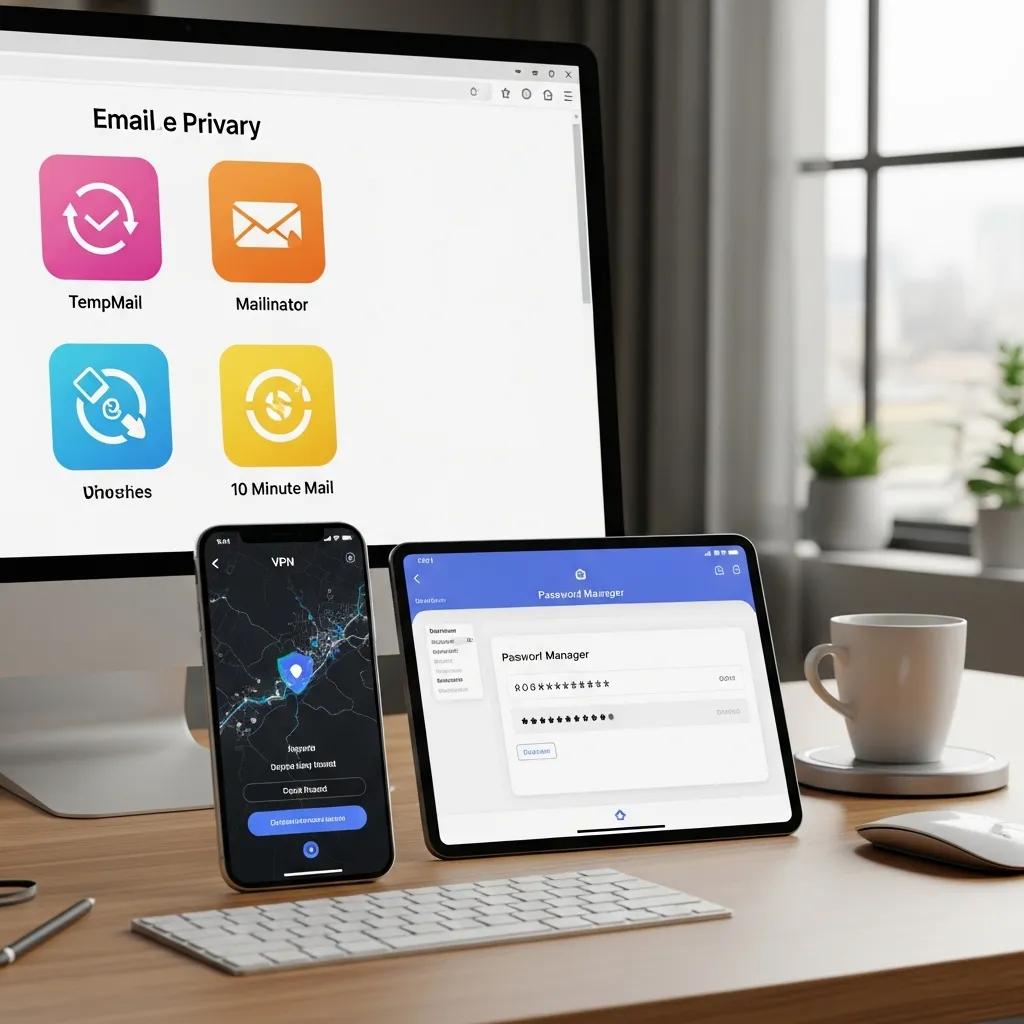
A layered toolkit—secure email providers, password managers, VPNs, and alias/disposable services—gives the best protection. Prioritize providers with E2E support when needed, clear zero‑access policies, open‑source clients, and favorable data‑residency rules if confidentiality is critical. The sections below offer a focused provider comparison and explain how disposable inboxes work together to reduce exposure and improve resilience.
How Do Secure Email Providers Compare in Privacy and Encryption Features?
When choosing a secure email provider, compare encryption support (E2E vs. transit), zero‑access or zero‑knowledge claims, open‑source client availability, and jurisdictional data residency commitments. Providers offering true end‑to‑end encryption reduce the need to trust server operators; transparent policies and open source improve auditability. Usability matters: strong cryptography only helps if recipients can interoperate, so balance E2E options with convenient fallback paths. The table below highlights key attributes to weigh when selecting a provider.
| Provider | Encryption Type | Notable Privacy Attribute |
|---|---|---|
| Secure E2E provider | End‑to‑end (PGP/S) | Zero‑access policy, limited metadata exposure |
| Transit‑only provider | TLS in transit | Easier UX; provider can access stored messages |
| Hybrid provider | Provider‑native E2E options | Balances usability with stronger confidentiality |
This table helps you prioritize features based on your privacy needs and technical comfort. Next, we explain how complementary tools reinforce email privacy.
What Role Do VPNs, Password Managers, and Aliases Play in Email Privacy?
VPNs hide your network‑level metadata on public networks by masking IP addresses and reducing geolocation leakage—though they don’t change headers stored on mail servers. Password managers generate and store long, unique credentials and make secure rotation simple, lowering the risk from credential reuse. Aliases and disposable addresses compartmentalize services so you can revoke or filter addresses that start attracting spam without changing your main identity. Together these tools form a layered defense: VPNs protect access points, password managers secure credentials, and aliases limit long‑term linkability—significantly reducing the practical footprint of your email address.
- Use a password manager to generate and store unique, long passwords for every account.
- Enable MFA (authenticator app or hardware key) on important email and linked accounts.
- Segment accounts with aliases and disposable addresses to prevent cross‑service correlation.
These complementary controls reduce the chance of compromise and limit damage if a breach occurs—together forming a practical toolkit for managing email‑related digital footprints.
Frequently Asked Questions
What are the benefits of using disposable email addresses?
Disposable emails let you sign up without exposing your primary address. They cut spam, reduce data harvesting by marketers, and simplify cleanup: when a disposable address becomes noisy you can discard it without disrupting your main inbox. They’re ideal for one‑time registrations or sites you don’t fully trust.
How can I identify if my email has been compromised?
Look for unusual activity—unrecognized logins, unexpected password reset emails, or changes to account settings. Check breach databases like Have I Been Pwned to see if your address appears in known leaks. Enable login alerts, review account recovery options, and if you suspect a breach, change your password, enable MFA, and warn your contacts to be wary of suspicious messages.
What steps should I take if I fall victim to phishing?
Immediately change your email password and enable MFA. Check for unauthorized transactions or account changes, revoke suspicious third‑party app access, and notify your contacts so they don’t act on fraudulent messages from your account. Report the phishing to your provider and, if needed, to local authorities. Scan your devices for malware and follow recovery steps for any affected services.
How does email tracking work and how can I prevent it?
Email tracking commonly uses tracking pixels and link redirects to record opens, device details, and click behavior. Prevent tracking by blocking remote images, using clients that block trackers by default, or disabling automatic image loading. Privacy‑focused email services and browser extensions that block trackers also reduce this kind of data collection.
What are the implications of GDPR for email marketing?
GDPR requires explicit legal grounds—often consent—for processing personal data, including email addresses. Marketers must document consent, provide clear opt‑out mechanisms, and honor requests for access, correction, or deletion. Non‑compliance can lead to substantial fines, so businesses must implement transparent data practices and respect user rights.
How can I effectively manage multiple email accounts?
Use a password manager to store credentials and simplify sign‑ins. Consider forwarding noncritical accounts to a consolidated inbox or use aliases to keep categories separate. Regularly audit accounts to close unused ones, and apply consistent privacy and recovery settings to reduce exposure across accounts.
Conclusion
Your email address is powerful—and therefore worth protecting. By combining strong authentication, sensible encryption choices, aliases or disposable addresses, and proactive account cleanup, you can dramatically shrink the data trail tied to your email and make account takeovers far harder. Start with a simple inventory, lock down your most important accounts with a password manager and MFA, and apply aliases for low‑trust interactions. Small, consistent steps deliver real privacy gains—take them today to regain control of your digital identity.