
Keep Your Mobile Device Secure: Travel Protection Strategies
Travel makes your phone more exposed — to open Wi‑Fi, unfamiliar services, and theft. This guide lays out clear, usable steps to harden your device without turning it into a paperweight. You’ll get privacy habits, device security basics, anti‑theft tactics, backup and remote‑wipe prep, immediate actions for loss or theft, plus safe charging and insurance pointers. Each section includes short checklists and easy comparisons so you can prepare before you leave and react quickly if something goes wrong. The advice targets common travel settings — airports, cafés, hotels, and transit — and calls out tools like VPNs, two‑factor authentication, disposable email, and device tracking. Follow these steps to travel with more confidence and less risk to your data and identity.
Top Digital Privacy Steps for Travelers
Privacy on the go means practical habits and simple tools that limit what strangers can learn about you. These steps reduce the surface attackers can reach, encrypt your traffic, and keep identity signals separate so trackers and services can’t easily connect activity back to your main accounts. Used together, they cut spam, lower the chance of credential theft, and protect sensitive info when you’re on public networks or using local services. Below is a quick list of the highest‑impact controls; later sections explain disposable email and VPNs in travel scenarios.
TempoMailUSA offers free, instant disposable email addresses and a temporary inbox. Our core product is a one‑click temporary email generator you can use without creating an account. What it does: gives quick, no‑signup access; minimizes data collection and deletes messages automatically; keeps promotional mail out of your main inbox; and works smoothly on phones and tablets. The site is a focused single‑page app built around that temporary inbox — fast and private for short‑term needs.
Four practical privacy moves to use before and during trips:
- Use a disposable email for one‑time signups and confirmations to avoid long‑term spam and tracking.
- Only join public Wi‑Fi through a trusted VPN so your traffic stays encrypted and your IP stays hidden.
- Enable two‑factor authentication on key accounts to block unauthorized logins.
- Check app permissions and limit location sharing to reduce ongoing data leaks.
Research also flags location‑based services as a privacy risk for tourists and shows ways to hide or blur precise location data.
Enhancing Tourist Privacy in Mobile Location-Based Services
Location‑based services make travel easier but can reveal sensitive movement data. This research outlines techniques — including an intermediary “location hider” — that mask exact positions when apps request location, helping protect privacy for both stationary and moving users.
Preserving privacy in the context of location based services through location hider in mobile-tourism, 2013
These controls work together: disposable email reduces account linkage, a VPN encrypts your connections, and 2FA protects logins. The following sections dig into how temporary email helps and why a VPN matters on public networks.
How Temporary Email Helps Protect You While Traveling
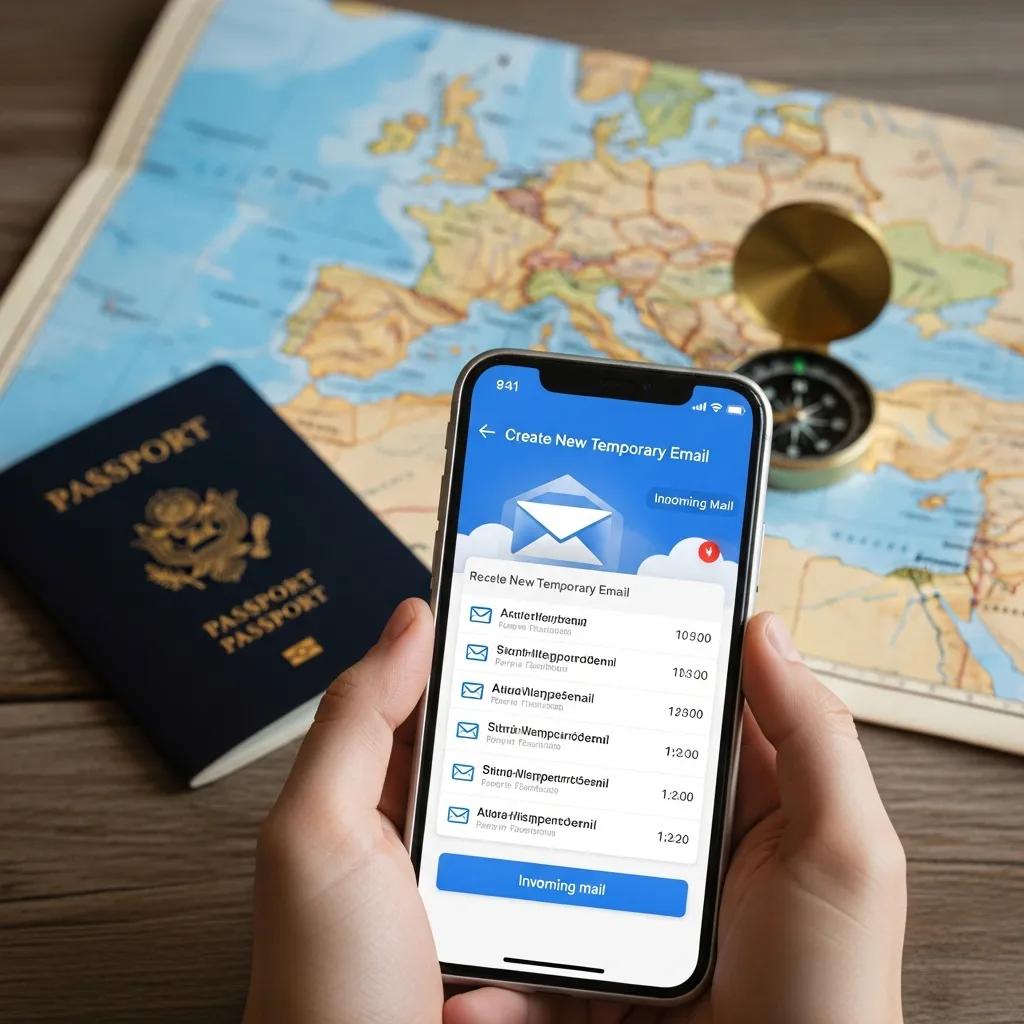
TempoMailUSA creates instant disposable email addresses that serve as short‑lived aliases for signups and verifications. You get an address you control for minutes to days; messages land in a temporary inbox and are removed automatically per our rules. Travelers use disposable addresses for hotel Wi‑Fi, booking confirmations, local registrations, and coupon claims — anything that would otherwise clutter your main inbox with tracking IDs and promos. That separation cuts spam, reduces cross‑site tracking, and keeps account‑recovery messages and minor breaches away from your primary accounts.
How to use it: generate a temporary address when a site asks for email, use it for one‑time confirmations, and don’t use it where you need long‑term contact. Pair this habit with a VPN and 2FA for a compact travel privacy stack.
Why Use a VPN on Public Wi‑Fi Abroad?
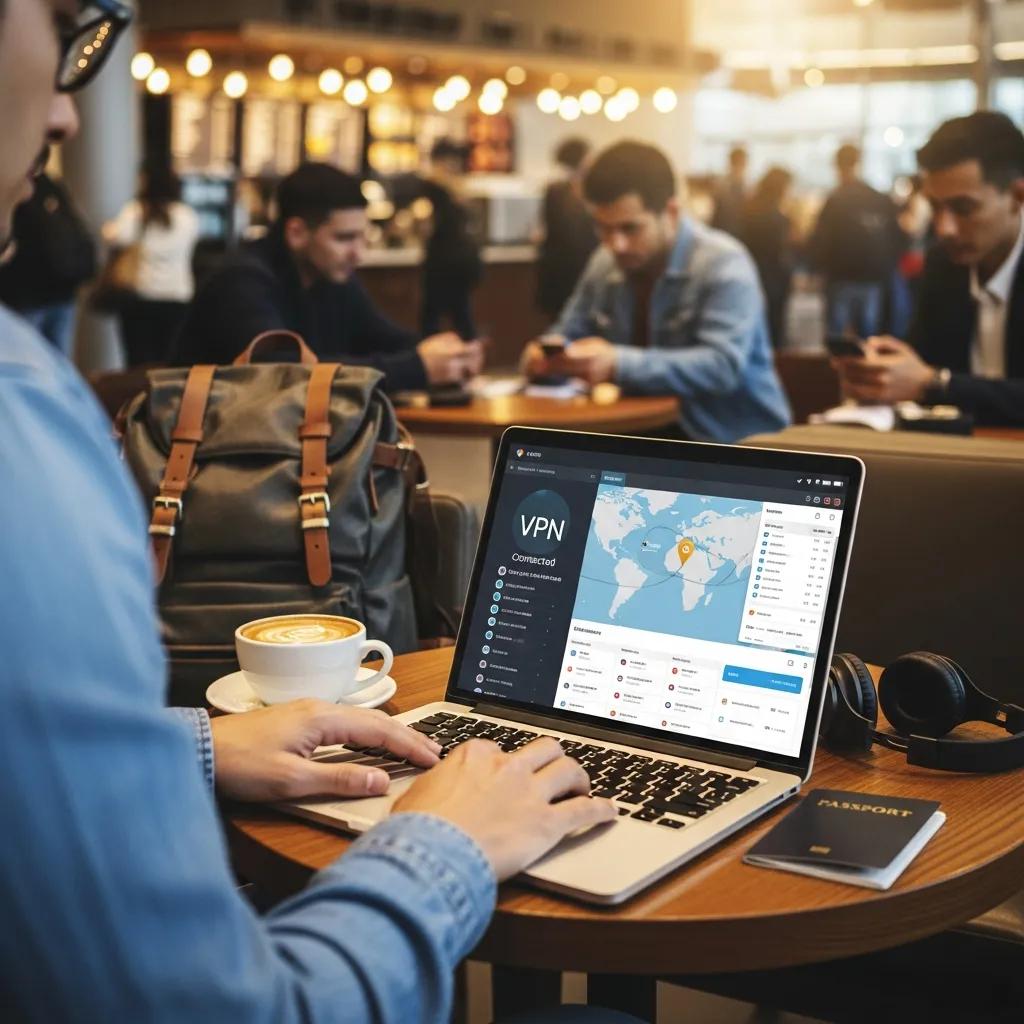
A VPN (virtual private network) encrypts the data your device sends and receives by routing it through a secure tunnel to a remote server. On open networks in airports, cafés, or hotels, this prevents eavesdroppers from reading or tampering with your traffic — protecting logins, banking, and private messages from man‑in‑the‑middle attacks. Pick a VPN with a strict no‑logs policy, strong encryption, and a lightweight mobile app to keep battery and latency impacts low.
When choosing a VPN prioritize speed, clear privacy policies, and server coverage in multiple regions so geo‑restricted services keep working. Turn the VPN on as soon as you join unfamiliar Wi‑Fi and enable a kill switch if available (it blocks traffic if the VPN drops). A solid VPN plus 2FA and disposable email gives you a compact, effective travel privacy setup.
Practical Cybersecurity Steps for Travelers
Good travel cybersecurity starts with basic hygiene — keep your OS and apps updated, install apps from official stores, and review permissions — then add tools that raise the bar for attackers. These measures close known holes, cut credential reuse, and make attacks more difficult. Start with updates and permission checks, then add a password manager, strong 2FA (authenticator app or hardware key), and selective mobile antivirus if you install apps from outside your usual ecosystem. The table below shows what each tool defends and common travel uses to help you prioritize.
| Tool | What it Protects | Typical Travel Use Case |
|---|---|---|
| VPN | Network traffic and IP privacy | Secure café/hotel Wi‑Fi; reduce ISP tracking |
| Temporary Email | Email identity and sign‑up exposure | One‑time bookings and promotions |
| Two‑Factor Authentication (2FA) | Account login integrity | Prevent account takeover after credential leaks |
| Mobile Antivirus | Malware and unsafe downloads | Scan unknown apps and suspicious links |
Use the table to match tools to the threats you expect while moving between places. Below are concrete defenses for passwords and phishing to put in place before you go.
For credentials: use a password manager to create and store unique, complex passwords and avoid reuse. Prefer authenticator apps or hardware security keys for 2FA — SMS codes can be intercepted or targeted with SIM swaps, especially overseas. Keep backup/recovery codes in a secure location (an encrypted file or a printed copy stored separately from your main device) so you can recover access if your phone isn’t available.
To spot phishing and malware: check sender domains, don’t click unexpected links, and install apps only from official stores. If you suspect malware, disconnect from networks, run a reputable mobile security scan, and change critical passwords from a secure device. Updates, password managers, 2FA, and cautious behavior form a resilient security posture for travel.
Physical Security Steps to Protect Your Devices
Physical security reduces theft, loss, and tampering and protects the hardware that holds your data. Simple habits and a little gear lower exposure in crowds, deter opportunistic theft, and guard cards and devices from covert scanning. Use secure carrying methods, anti‑theft gear, and selective RFID protection so your device stays under your control.
The table below compares common physical protections and where they work best.
| Product | Primary Protection | Best Use Scenario |
|---|---|---|
| Anti‑theft case | Blocks pickpocketing and tampering | City sightseeing, crowded transit |
| RFID‑blocking wallet | Stops contactless skimming | Airports, train stations, busy markets |
| Cable lock | Secures a device to a fixed object | Shared accommodations, cafés |
Match tools to your trip and expected risks. Below are simple behaviors and gear choices that reduce theft and explain when RFID protection is worthwhile.
To reduce theft: keep phones out of easy reach, use secure pockets or crossbody bags, and don’t leave devices unattended. In crowded places, pick anti‑theft bags with hidden zippers and consider tethering a larger device with a small cable lock when you’re seated. Stay aware, avoid flashing high‑value gear in busy markets, and use hotel safes or locked luggage if you need to leave devices behind.
RFID sleeves and wallets block unauthorized readers from accessing NFC chips in payment cards and passports up close. While RFID skimming is rare, replacing a passport or card is a hassle — for frequent travelers an RFID sleeve is a light, inexpensive precaution that complements your digital protections.
Data Backup and Device Prep for Travel
Backups and device prep make recovery possible if your phone is lost, stolen, or damaged. These steps create multiple recovery paths and let you take remote actions to secure data when the device isn’t with you. Use a mix of cloud and local backups, verify remote‑wipe/tracking features, and protect recovery credentials so restoring is straightforward. The table below summarizes common backup options and trade‑offs to help you choose a hybrid approach.
| Backup Option | Storage Type | Offline Access |
|---|---|---|
| iCloud | Cloud‑synced | Limited offline access via cached items |
| Google Drive / Backup | Cloud‑synced | Limited offline access via cached files |
| Encrypted local backup | Local encrypted file | Full offline access; manual restore required |
Many travelers use cloud convenience plus at least one encrypted local backup for full control. Below are essential backup and remote‑wipe steps to do before you leave.
Essential prep: enable automatic cloud backups (iCloud for iOS, Google Backup for Android) and confirm a recent successful backup. Create at least one encrypted local backup stored separately (on an encrypted external drive or a secured laptop) so you can restore without internet. Enable and test tracking and wipe tools (Find My for iOS, Find My Device for Android), verify account recovery contacts, and don’t rely solely on a travel‑only SIM for account recovery. Testing reduces surprises if something happens.
What belongs on a short pre‑travel mobile checklist? TempoMailUSA offers disposable email addresses to keep your main inbox clean during short trips. Our temporary inbox is free, no signup, privacy‑focused with automatic deletion, blocks promotional spam, and works well on phones and tablets. The site is centered on this single, fast disposable email tool rather than broad device‑security content.
Pre‑travel checklist (short):
- Update your OS and apps to the latest versions and remove unused apps.
- Back up data to the cloud and create an encrypted local backup stored separately.
- Enable device tracking and remote wipe; store recovery codes in a secure place.
- Use temporary emails for one‑time signups and don’t share your primary address.
Completing this checklist builds multiple recovery options and makes account restoration smoother. The next section covers what to do if a device is lost or stolen.
Immediate Steps if Your Phone Is Lost or Stolen While Traveling
If your device goes missing, act fast to locate, lock, and — if necessary — wipe it, then notify providers to limit fraud. These steps cut off an attacker’s access and reduce misuse of accounts tied to the device. Start with tracking and locking, then change passwords and alert banks or carriers. The checklist below lists prioritized actions to take immediately.
- Use platform tracking tools to locate and lock the device remotely; display a recovery message if possible.
- If the location indicates theft or recovery is unsafe, perform a remote wipe to remove sensitive data.
- Change passwords for key accounts (email, banking, social) and revoke active sessions from a secure device.
- Contact your carrier to suspend the SIM and ask about an IMEI block; file a local police report with device identifiers.
These actions help contain risk quickly. The following subsections explain how to use platform tracking and how to report incidents to authorities and providers.
Using Device Tracking and Remote Lock Effectively
Before you travel, enable and verify platform tracking (Find My on iOS, Find My Device on Android) and make sure you can log in from another device or the web. Test a locate‑lock‑wipe cycle in a safe setting so you know the flow and can act fast if needed. When locking the device, include a clear recovery message and a contact number so an honest finder can reach you; if theft is likely, don’t try to recover it yourself — work with local police instead.
When and How to Report Loss or Theft
File a police report promptly — carriers and insurers often require one for claims — and provide the device’s IMEI or serial number. Ask your carrier to suspend service and block the SIM, and tell your bank to monitor or freeze linked accounts. If the loss involved a hotel or business, request video or witness details if available — those records can speed investigations and insurance claims.
Safe Tech Habits That Improve Mobile Security
Smart tech habits — good power management, careful charging, and knowing your insurance options — reduce technical and physical risks on the road. These practices keep your device usable, prevent data leaks from public chargers, and simplify financial recovery if a device is lost or damaged. Pair safe charging with certified power banks and keep documentation handy for insurance claims. The next subsections cover charging safety and how travel insurance can help protect devices.
Safe Charging and Power Bank Tips
Avoid public USB ports that can transfer data as well as power; bring your own charger and plug into a wall outlet or use a certified power bank. If you must use a public USB port, use a USB data blocker (a “USB condom”) so only power is transferred. Choose power banks certified to safety standards, keep them in carry‑on luggage, and check airline capacity limits to avoid confiscation.
How Travel Insurance Can Help Protect Devices
Travel insurance may cover theft, accidental damage, or loss of mobile devices depending on your policy. Before buying, check coverage limits, deductibles, and required documentation. Photograph devices and keep receipts or serial numbers in a secure place to speed claims; save police reports and carrier suspension confirmations as evidence. Knowing policy details ahead of time helps you decide if extra device insurance is worth it.
TempoMailUSA focuses on providing free, instant disposable email addresses. Our temporary inbox is simple, privacy‑minded, blocks promotional spam, and is built for mobile devices. The site concentrates on this single service rather than broader device‑security content.
Frequently Asked Questions
What are the risks of using public charging stations for my mobile device?
Public charging stations can be risky because some ports allow data transfer as well as power — a technique called "juice jacking." To avoid this, use your own charger plugged into a wall outlet. If you must use a public USB port, use a USB data blocker so only power, not data, is sent to your device.
How can I protect my mobile device from malware while traveling?
Protect your device by downloading apps only from official app stores and keeping your OS and apps updated. Consider a reputable mobile antivirus app if you install software from outside your normal ecosystem. Be cautious with links in emails or messages, especially from unknown senders, since they can lead to phishing sites or malware downloads.
What should I do if I suspect my mobile device has been compromised?
If you think your device has been compromised, disconnect it from the internet to limit further data loss. Run a security scan with your antivirus app to identify threats. Change passwords for sensitive accounts from a secure device, and consider a factory reset if the problem persists. Also monitor your accounts for unauthorized activity and report suspicious transactions to your bank or service providers.
Are there specific apps that can enhance my mobile security while traveling?
Yes. Use a reputable VPN app to encrypt internet traffic on public Wi‑Fi. A password manager helps create and store strong, unique passwords. Two‑factor authentication (2FA) apps add an extra layer for logins. Mobile antivirus apps can also scan for malware and help block threats.
How can I ensure my data is safe if my phone is lost or stolen?
Enable remote wipe and tracking before you travel. Back up data regularly to a secure cloud service and keep an encrypted local backup. Use strong passwords and 2FA to prevent unauthorized access. If your phone goes missing, lock it remotely and wipe sensitive data as soon as you’re sure recovery isn’t safe.
What are the benefits of using a password manager while traveling?
A password manager generates and stores complex, unique passwords so you avoid reuse and reduce breach risk. It simplifies secure logins without memorizing every password, and many managers offer secure sharing options if you need to share access with a trusted travel companion.
Conclusion
Practical mobile security goes a long way when you travel. Use tools like VPNs, disposable email, and strong authentication, prepare a checklist, and test recovery tools so you can act quickly if something happens. For fast disposable email on the go, try TempoMailUSA to keep your primary inbox tidy and private during short trips.