Protect Your Inbox: Email Spam and Phishing Defense Tips
Spam and phishing keep getting smarter and more targeted. Disposable and temporary email addresses give you a simple, practical layer of protection by keeping your real inbox off lists and away from attackers. This guide walks through how disposable addresses work, why spam and phishing grew in 2024–2025, and where temporary-email hygiene fits inside a wider anti-phishing approach. You’ll get clear mechanics (generation, forwarding, auto-delete), the phishing types disposable addresses can reduce, and tips for choosing the right provider. We also summarize recent trends and the financial implications so you can focus defenses that scale with today’s threats. After a short product note, the guide moves into practical steps, use cases, and responsible best practices for verification and trial signups.
Primary Product/Service: Free Disposable Email (Temporary Email Address) service. Unique Value Propositions explicitly listed: Simple, free, anonymous (no registration); maintains online privacy; reduces spam; lowers phishing exposure by shrinking the attack surface; easy one-click generation, real-time inbox, and mobile-friendly. The service highlights automatic deletion and recommends short-term, responsible use.
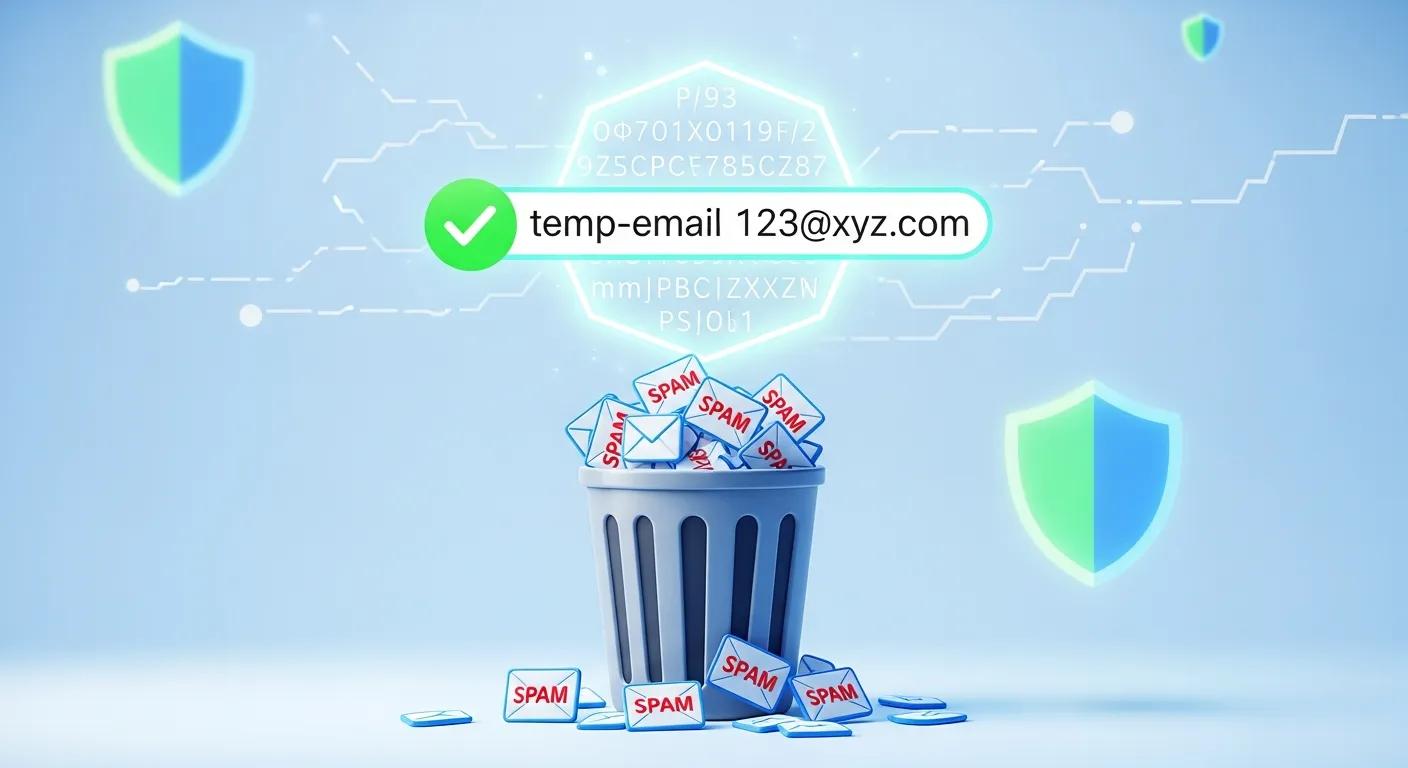
This overview shows the disposable-email model in practice and explains how temporary addresses protect your main inbox by limiting persistence and visibility.
What Is a Disposable Email Address and How Does It Protect Your Inbox?
A disposable email address is a short-lived alias you use for one-off signups or temporary needs. It either forwards messages to your real inbox for a limited time or holds them in a web mailbox that auto-deletes after a set window. That limited lifetime reduces your attack surface: marketers, data brokers, and credential-harvesting campaigns can’t keep sending to an address that no longer exists. Knowing the lifecycle of a disposable address helps you choose when a temporary address is the right tool — and when you should use a persistent, secure mailbox instead.
This table matches common signup scenarios to how disposable emails behave and the concrete benefit each pattern provides.
| Use Case | Disposable Email Behavior | Benefit |
|---|---|---|
| Newsletter signup | Forward-by-default with short retention | Stops marketing emails from cluttering your primary inbox |
| One-time verification | Single-use address that expires after verification | Prevents follow-up credential phishing tied to that address |
| Trial account registration | Temporary mailbox with auto-delete after trial | Keeps trial messages separate and short-lived |
| Marketplace contact | Disposable forwarding with controlled expiry | Limits spam after the transaction completes |
Choosing the right disposable behavior for each use case preserves inbox hygiene and reduces persistent tracking.
How Does a Temporary Email Service Work to Prevent Spam?
On demand, a temporary-email service creates a random alias that isn’t linked to your identity. It accepts incoming mail and either forwards it briefly to your real account or stores it in a short-lived web inbox. Messages are filtered, quarantined, or deleted automatically after the retention window. Because you give services the disposable address instead of your real one, your primary email is less likely to appear on marketing lists or in breach datasets. This interception keeps most spam out of your main account and shrinks the pool attackers can target. temporary email sites
Generation, reception, and deletion are separate steps — so you can pick expiry and forwarding rules that match the risk level for each signup. temporary emails enhance your digital safety.
What Are the Key Benefits of Using Disposable Emails for Online Privacy?
Disposable emails help you keep a clean inbox by preventing long-term build-up of subscriptions, promotional mail, and tracking pixels tied to your main address. They reduce profiling by data brokers and cut exposure during breaches, since the temporary address either never links to your identity or is removed after use. For verifications and trials, they act as a safety valve that limits credential reuse and makes cleanup painless. They also make it harder for scraping tools and ad networks to correlate your activity across sites.
In short: fewer spam messages, less tracking, and a smaller phishing attack surface — a practical privacy tool for non-sensitive interactions.
Why Is Email Spam a Growing Threat in 2024–2025?
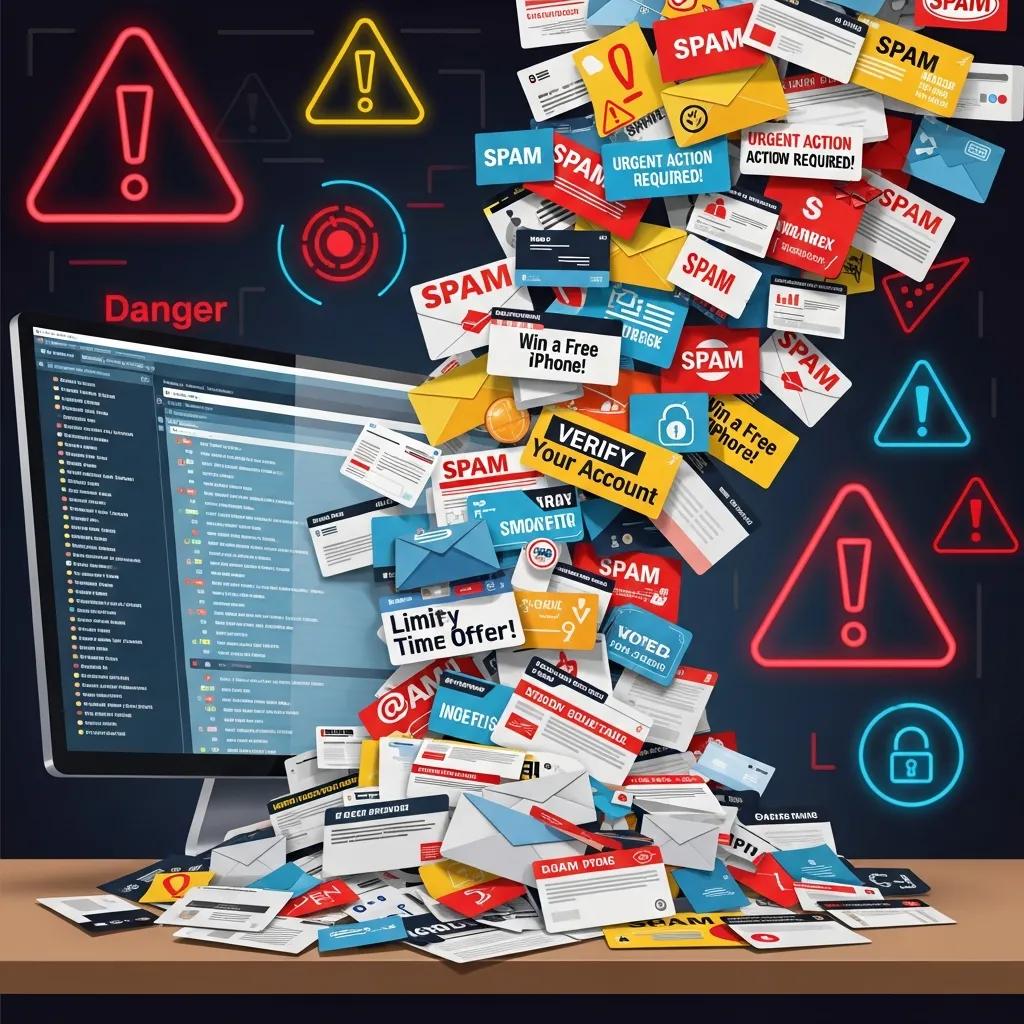
Spam and phishing rose in both volume and sophistication in 2024–2025 because of automated campaign tools, large-scale data leaks, and generative AI that crafts persuasive, personalized messages. Attackers combine breached data with AI templates to scale targeted lures and evade simple filters by varying language and context. For users, that means inboxes contain more believable social-engineering attempts that are harder to spot. As a result, basic defenses like address minimization and compartmentalization are more valuable than ever.
Those factors make practical mitigations — disposable emails and layered authentication — important ways to reduce the chance attackers can reuse harvested addresses at scale.
How Does Spam Affect Personal Privacy and Productivity?
Spam leaks email addresses to trackers, list-scrapers, and data brokers, which fuels targeted ads and raises breach risk. It also drains time: users sort, delete, and hunt for real messages amid the noise. Organizations see the same drag — lost employee minutes and heavier filter loads. The net effect is a measurable loss of attention and a bigger window for attackers to exploit human error.
Research shows that larger volumes of messages directly increase the success of automated harvesting methods used by spammers and bots.
Mitigating Email Address Harvesting & Spamming Bots
This study examines how growing message volumes increase successful address-harvesting. It looks at techniques used to extract email addresses from messages and chains, and evaluates bot-based harvesting and spamming methods. Mitigating BOT-based methods for email address harvesting and spamming, MT Banday, 2022
Using disposable addresses for lower-risk interactions reduces these privacy and productivity costs by cutting the number of channels attackers can use to reach you.
What Are the Latest Trends in AI-Driven Phishing Attacks?
AI-generated phishing increases variety and personalization while lowering the cost of attacks, enabling larger-scale spear-phishing and credential-harvesting campaigns. Attackers use AI to tailor subject lines and message bodies to a target’s role, recent events, or public social signals — improving engagement and evading simple pattern filters. There’s also more misuse of synthetic identities and deepfake audio/video in multi-channel fraud. These shifts make reducing address persistence and enforcing strict email-handling policies essential.
As attacker sophistication rises, combine behavioral prevention (like disposable addresses) with technical measures (DMARC, SPF, MFA) for the best protection.
How Can Disposable Email Services Defend Against Phishing Attacks?
Disposable email services lower phishing risk by shortening how long addresses remain valid and visible to attackers, blocking many bulk and opportunistic credential-harvesting campaigns. Using ephemeral addresses for verification and newsletters prevents those addresses from ending up in long-lived databases that might leak later. That said, disposable emails aren’t a silver bullet for highly targeted spear-phishing or business email compromise where attackers already know an identity. Always pair disposable addresses with MFA and clear account-recovery plans. Knowing which phishing types are mitigated helps you rely on temporary addresses effectively.
Below we map common phishing categories to how well temporary addresses help and outline trade-offs for using them as part of an anti-phishing strategy.
What Types of Phishing Are Mitigated by Temporary Email Addresses?
Disposable addresses work well against bulk phishing, promotional scams, and credential-collection forms that depend on harvested lists. For those threats, temporary addresses prevent long-term reuse and block follow-up scams. They’re less effective against targeted spear-phishing or BEC where attackers already have someone’s primary address or can impersonate trusted contacts. Using disposable addresses for verification reduces credential-phishing success when attackers rely on a specific recovery address.
- Bulk/phishing and promo scams: high mitigation.
- Credential-phishing tied to disposable signups: medium mitigation if the ephemeral address was used.
- Spear-phishing and BEC: low mitigation when primary identities are targeted.
How Does TrashMail.in Enhance Phishing Defense Compared to Competitors?
Primary Product/Service: Free Disposable Email (Temporary Email Address) service. Unique Value Propositions explicitly listed: Simple, free, anonymous (no registration); maintains online privacy; reduces spam; lowers phishing exposure by shrinking the attack surface; easy one-click generation, real-time inbox, and mobile-friendly. The service highlights automatic deletion and recommends short-term, responsible use.
TrashMail.in focuses on low-friction privacy: anonymous address creation with no registration, one-click generation, and automatic deletion. These choices reduce persistence and the data attackers could harvest if a provider were compromised. No-registration limits what’s stored at creation; automatic deletion narrows the window attackers have to reuse an address; a mobile-optimized, real-time inbox makes ephemeral workflows practical for everyday signups. TrashMail.in is built as a privacy-first, low-friction layer that complements — not replaces — account security practices like MFA.
When combined with technical protections, TrashMail.in-style ephemeral addresses give strong overall reductions in phishing exposure.
Who Should Use Temporary Email Services and How to Use Them Responsibly?
Disposable email services are ideal for privacy-minded users, people managing many one-off signups, developers and testers, and anyone who wants to keep transactional or promotional mail out of their primary inbox. They’re not suitable for banking, government, or accounts that require long-term recovery tied to a primary address. Responsible use means tracking which ephemeral addresses you use, choosing sensible expiration windows, and keeping a secure primary mailbox for critical services. This balanced approach preserves privacy without risking access to important accounts.
Primary Product/Service: Free Disposable Email (Temporary Email Address) service. Unique Value Propositions explicitly listed: Simple, free, anonymous (no registration); maintains online privacy; reduces spam; lowers phishing exposure by shrinking the attack surface; easy one-click generation, real-time inbox, and mobile-friendly. The service highlights automatic deletion and recommends short-term, responsible use.
Responsible-use checklist:
- Keep a simple record of where you used each disposable address and its expiration.
- Don’t use disposable addresses for account recovery, payments, or government services.
- Pair disposable addresses with strong primary-account security: MFA and unique passwords.
- Regularly purge expired addresses and review any remaining authorizations.
Which Use Cases Benefit Most from Disposable Email Addresses?
Disposable addresses shine for newsletter and trial signups, marketplace or classified contacts, and QA or developer testing where ephemeral addresses simplify automation. Developers can generate burners during automated tests to verify verification flows without filling a shared inbox. Shoppers and freelancers can hide their main email when contacting buyers or sellers to avoid ongoing marketing. For gated downloads or one-off forms, disposable emails stop your primary address from being added to persistent lists. What is temporary email
These scenarios show when reduced tracking and easy cleanup outweigh the limits of ephemerality.
What Are the Best Practices for Maintaining Online Email Privacy?
Good email privacy pairs disposable addresses with strong authentication, unique credentials, and minimal data sharing. Use MFA on primary accounts, a password manager to create and store unique passwords, and reserve disposable addresses for non-sensitive signups. Regularly audit services tied to any address and close or change addresses you no longer need. Treat disposable addresses as compartmentalization tools — not a replacement for secure account practices.
A quick checklist to follow daily:
- Enable MFA on all primary accounts.
- Use disposable emails for non-sensitive signups.
- Track expiration dates and delete unused addresses.
- Use a password manager and unique passwords per service.
These habits reduce the chance that a single leak or phishing attempt turns into a larger compromise.
How to Choose the Best Temporary Email Service for Spam and Phishing Protection?
Pick a temporary email provider by checking core features: no-registration, clear auto-delete/expiration policies, forwarding options, mobile UI, and developer API access. Weigh the trade-off between persistence for verification and strict ephemerality for privacy. Look for transparency about logs and retention — providers that collect minimal metadata lower breach risk. Developers will value API predictability and expiration controls for CI/CD; casual users benefit most from one-click generation and a real-time web inbox. Understand if you sometimes need persistent addresses for recovery versus strict ephemeral behavior to minimize tracking.
Primary Product/Service: Free Disposable Email (Temporary Email Address) service. Unique Value Propositions explicitly listed: Simple, free, anonymous (no registration); maintains online privacy; reduces spam; lowers phishing exposure by shrinking the attack surface; easy one-click generation, real-time inbox, and mobile-friendly. The service highlights automatic deletion and recommends short-term, responsible use.
Below is a simple EAV-style comparison to evaluate providers by feature and practical impact.
| Provider / Service | Key Feature | Practical Impact (E | A | V) |
|---|---|---|
| Service | No-registration | Privacy: minimizes collected identity data |
| Service | Auto-delete / Expiration | Spam reduction: limits follow-up messages |
| Service | One-click generation | Ease of use: lowers friction for privacy habits |
| Service | Mobile-optimized inbox | Accessibility: real-time handling on phones |
What Features Differentiate Top Disposable Email Providers?
Providers mainly differ by retention policy, registration requirements, forwarding behavior, developer features, and transparency about logs. Expiry controls determine how long an address can be targeted; no-registration models reduce stored data; APIs enable automation for testing; and mobile-friendly experiences make one-off use convenient. Prioritize the mix of minimal data collection and expiration control that fits your needs.
Quick vendor checklist:
- Choose providers with explicit auto-delete or short-expiry options.
- Prefer no-registration or minimal registration when anonymity matters.
- Pick providers with clear privacy policies and limited logging.
- Consider API support if you need developer or QA workflows.
How Does TrashMail.in Compare to Other Services Like TempMail and GuerrillaMail?
TrashMail.in delivers the features above: simple, free, anonymous (no registration), automatic deletion, and one-click generation — all tuned for short-term, responsible use. Some competitors ask for registration or retain messages longer for convenience, which increases persistence and the potential attack surface. TrashMail.in’s combination of no-registration and auto-delete tightens the window attackers have to exploit an address while keeping the experience fast and low-friction. If your priority is immediate privacy for signups and trials, TrashMail.in is a strong fit.
This comparison shows when a no-registration, auto-delete provider is the better choice and when a longer-retention model might be preferable for verification or archival needs.
What Are the Latest Industry Statistics and Trends in Email Spam and Phishing?
Industry reporting through 2023–2024 shows persistently high spam volumes alongside growing sophistication from AI-assisted phishing. Global email traffic keeps rising, spam remains a large share of inbound mail, and phishing attempts are getting more personalized. These trends highlight the value of defenses that reduce exposure — like disposable emails — while organizations boost technical controls such as DMARC, SPF, and user training. Minimizing address persistence is an effective, affordable risk-reduction tactic for individuals and small teams.
The table below highlights headline metrics and what they mean for inbox risk and defense priorities.
| Metric | 2024/2025 Value | Source / Implication |
|---|---|---|
| Spam as % of email volume | Approximately 45–55% | Continues to drive filter load and inbox clutter |
| Phishing message growth | Notable year-over-year increase | Requires stronger user-level defenses and training |
| AI-driven personalized phishing | Rapid adoption by attackers | Elevates success rates for targeted campaigns |
How Much Spam and Phishing Email Traffic Is There in 2025?
Billions of emails are sent daily, with spam making up a substantial portion and phishing growing as a share of malicious traffic. The rise in credential-harvesting and automated scripts means your inbox risk grows with every place your primary address is stored. Reducing where your main email appears — by using disposable addresses — lowers the statistical chance that attackers will successfully target you.
Those trends push ephemeral addresses and careful data-sharing policies to the front of practical personal security strategies.
What Is the Financial Impact of Phishing and Spam on Businesses?
Phishing and spam create real costs: direct losses from BEC scams, employee time spent handling unwanted mail, and the expense of remediating breaches. Reported averages for breach-related costs and BEC losses show that prevention and early mitigation usually offer strong ROI versus incident response. For small businesses and sole proprietors, a single successful phishing attack can cause major disruption. Lowering address exposure across customer and employee touchpoints — for example, with disposable emails where appropriate — helps reduce that risk and the potential downstream costs.
Given those financial considerations, disposable-email strategies are an attractive, cost-effective layer in a broader defensive posture for 2024–2025.
Frequently Asked Questions
What are the limitations of using disposable email addresses?
Disposable addresses are great for privacy, but they’re not suitable for everything. Don’t use them for accounts that need long-term access or recovery (banking, government, etc.). Some websites block disposable addresses during signup. And because the address expires, you can lose access to important notifications if you rely on it for critical services.
Can disposable email addresses help with GDPR compliance?
Yes. Disposable addresses help you minimize personal data shared online. Using a temporary email for signups prevents your primary address from being stored in third-party databases, reducing breach risk. That practice supports GDPR principles of data minimization and gives you more control over exposure.
How do disposable email services handle spam and phishing threats?
They limit threats by issuing temporary addresses that expire after a set time. Incoming mail can be filtered, quarantined, or auto-deleted, so spam and phishing attempts don’t linger. By using disposable addresses, you make it harder for attackers to target your primary inbox.
Are there any security risks associated with using disposable email services?
While disposable services boost privacy, risks remain. Some providers may log metadata or have less robust security than mainstream email hosts. If you use a disposable address for account recovery, losing it can mean losing access to the account. Choose reputable services and avoid disposable emails for critical accounts.
How can I track the use of my disposable email addresses?
Many services show incoming messages, list where an address was used, and display expiration dates. Keep a simple record of which sites you used each disposable address on — that helps you manage expirations and spot unexpected communications quickly.
What should I do if I receive spam on a disposable email address?
If spam arrives at a disposable address, simply let the address expire or delete it if the service allows. If a source looks especially suspicious or persistent, report it to the disposable-email provider so they can improve filtering for all users.
Can disposable email addresses be used for business purposes?
Yes, in limited ways. Disposable emails are useful for testing, temporary communications, or one-off outreach. They’re not ideal for ongoing customer support or long-term client relationships where consistent communication is necessary. Businesses should weigh privacy gains against the need for reliable, ongoing contact. temporary email
Conclusion
Disposable and temporary email services are an effective, low-effort way to reduce spam and phishing exposure. They help keep your main inbox clean and lower the chance your address appears in breach lists. Used responsibly — alongside MFA and good password hygiene — disposable emails are a practical tool to take control of online privacy. Try a recommended disposable-email service today and start cutting unnecessary mail from your life.